b126 App: Put the Whole Lobby on Your Android Phone
The b126 app ships as one Android file, b126.apk, 32 MB, version 3.8.18. Download it here, allow installs from your browser once, and the lobby with all 2,800 games opens from your home screen. Login, deposits and withdrawals work exactly as they do on the website, with bKash, Nagad, Rocket and Upay on the cashier screen.
What sits behind the b126 app icon
- All 2,800 games in one list Slots, fishing, lottery, live tables and crash titles from FA Chai, Playtech, KA Gaming, Spribe and Ezugi, without a second download.
- Cashier you already know Minimum deposit is ৳400. Money usually reaches your balance 2 minutes after the bKash, Nagad, Rocket or Upay confirmation.
- 44-minute payouts Request a withdrawal in the app and the usual processing time is 44 minutes, with a daily ceiling of ৳105,000.
- Chat that answers at 3 a.m. Live chat runs 24/7 from the side menu, so a stuck bonus or a missing TrxID gets handled the same night.
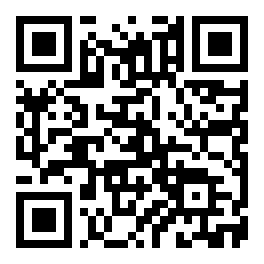
Point your Android camera at the code to open the same b126.apk file. Useful when you are reading this on a laptop and installing on your phone.
Your download file, version and system requirements
Ready to install
Check the numbers below before you start. If your phone runs an Android version older than 7.0, the installer will stop with a parse error and no amount of retrying will help. You still have the b126 login page in the browser, which opens the same account.
| Item | Detail |
|---|---|
| File name | b126.apk |
| Version | 3.8.18 |
| File size | 32 MB |
| Minimum Android version | 7.0 |
| Last updated | 10 November 2026 |
| Cost | Free |
| App language | English and Bangla |
| Device support | Android phones and tablets. iPhone users read the Safari section below. |
| Where to download | This page only, so the file matches the version listed here. |
Keep at least twice the file size free on your phone before you begin. Android unpacks the package during installation and needs room to do it.
Five taps from the download to your first spin
-
1
Allow unknown sources
Open Settings, then Apps, then Special access, then Install unknown apps. Pick the browser you will download with and switch Allow on. You can switch it back off after the install.
-
2
Download b126.apk
Tap Download APK on this page and keep the screen awake until the 32 MB file finishes. The notification bar shows the progress; on a weak connection it can take a couple of attempts.
-
3
Open the file
Pull down the notification shade and tap the finished download, or use the Files app and open Downloads. The package name should read b126.apk before you tap anything.
-
4
Install and dismiss the warning
Android may show a Play Protect notice about an unknown developer. Choose More details, then Install anyway. The install itself takes a few seconds and adds an icon to your home screen.
-
5
Log in and top up
Sign in with your existing number and password, or open the b126 register page first. Then add ৳400 or more through bKash, Nagad, Rocket or Upay and the balance updates in about 2 minutes.
On an iPhone, add b126 to the home screen
There is no iOS build of b126, so there is no IPA to install. The site runs as a home-screen shortcut in Safari and keeps the same account, wallet and game list.
- Open Safari and go to b126.club. Chrome on iOS cannot add shortcuts this way.
- Tap the Share button at the bottom of the screen, the square with an arrow pointing up.
- Choose Add to Home Screen, then name the shortcut b126 and confirm with Add.
- Launch it from the icon and log in. It opens full screen, without the Safari address bar.
What the b126 app does better than a browser tab
The lobby remembers you
Reopen the app and the last category stays on top. Slots, fishing, lottery, live tables and crash are one row apart, so you stop scrolling a menu to find the same game twice.
Cashier without a redirect
Deposits open inside the app. The smallest top-up is ৳400, and bKash, Nagad, Rocket or Upay confirmations normally land in your balance within 2 minutes.
Payout requests in one screen
Send a withdrawal from the wallet tab instead of hunting through site menus. The usual processing time is 44 minutes, the minimum is ৳400 and the daily limit is ৳105,000.
Live dealers and crash rounds
European Roulette Pro from FA Chai sits beside instant crash titles from Spribe. A round keeps running while you move between screens, so a hand does not close on you.
Cricket and football markets
Batting markets and the leagues you follow appear alongside the casino tiles. Place a bet on a match, then drop into a slot, all under one login and one balance.
Offers and support side by side
Claim the 110% first deposit bonus up to ৳25,000, the 30% reload and 1% daily cashback from the offers tab. If a bonus does not arrive, live chat is open 24/7.
Permissions, warnings and what a clean install looks like
What the installer should ask for
Storage, so it can save b126.apk and its game files, and network access to load the lobby. Notifications are optional and only drive payout and bonus alerts. If a package demands SMS, contacts or call logs, close it and download again from this page.
Take the file from b126.club only
Copies circulate through Telegram groups and file-sharing links, and a repacked build can carry extra code. After installing from here, compare the version on the app's About screen: it should read 3.8.18, and the file should be 32 MB.
Why Play Protect complains
Google flags every app installed outside the Play Store, including clean ones. The notice is expected, not proof of a problem. Tap More details, then Install anyway, and do it only when the file came from this domain in this session.
Keeping the account safe on a shared phone
Set a screen lock, log out when a friend or a shopkeeper borrows the handset, and never read an OTP out to anyone who calls. Set deposit limits in the account settings before a losing run, not after one.
From the app icon to a live table in two taps
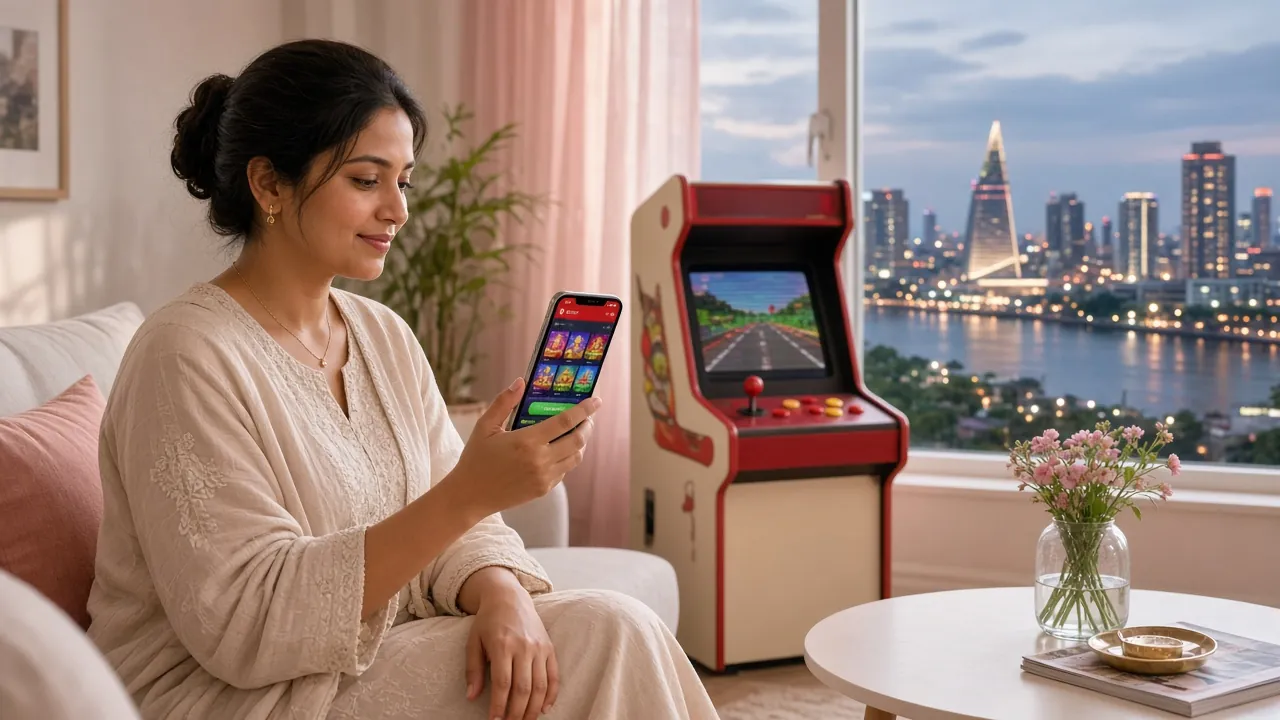
Two games show how quickly the app gets you playing. Both are open to new accounts straight after registration, and both take bets far below what a land-based counter expects.
- Slots and instant winsSpribe, KA Gaming, Ezugi
- Fishing and arcade shootersPlaytech, KA Gaming
- Live dealer tablesFA Chai, Ezugi
- Lottery and bingo style roundsPlaytech, KA Gaming
- Cricket and football bettingFull match and in-play markets
The full list sits on the b126 casino page if you would rather browse before installing. Play money does not exist here, so start with a deposit you can afford to lose, ৳400 is the floor.


When the app wins and when the mobile site still makes sense
Both routes reach the same account, the same 2,800 games and the same wallet. The difference is how much of your phone the software occupies and how it behaves when the connection drops. Compare the two before you commit storage to an install.
| Point | b126 app (APK) | Mobile site in a browser |
|---|---|---|
| Getting started | Download 32 MB, allow unknown sources once, install | Open b126.club and log in, nothing to install |
| Storage used | 32 MB plus cached game files | None after you close the tab |
| Staying signed in | Stays logged in until you log out | May ask again after clearing browser data |
| Alerts | Payout and bonus notifications if you allow them | Only what your browser shows |
| Game library | All 2,800 titles | All 2,800 titles |
| Cashier | bKash, Nagad, Rocket, Upay; deposits in 2 minutes, payouts in 44 minutes | Same methods and the same timings |
| Updates | Re-download the APK when a new version appears | Always the current version on refresh |
| Best fit | Daily players who use one phone | Borrowed handsets, iPhones, phones low on space |
One warning before you keep both: pick a single device for withdrawals. Switching between the app and a browser on different phones can slow down the first identity check.
If the install stops halfway, check this table first
Most failed installs come down to three things: a download that never completed, a permission that stayed off, or a phone older than Android 7.0. Work through the rows in order.
| What you see | Why it happens | What to do |
|---|---|---|
| "App not installed" or a parse error | The file is incomplete after a dropped connection, or the phone is below Android 7.0 | Check Settings, About phone, Android version. Delete the partial file from Downloads, switch to Wi-Fi and download b126.apk again. If the version is 6 or lower, use the browser instead. |
| Install blocked, with no continue option | The unknown-source permission stayed off for the browser you used | Settings, Apps, Special access, Install unknown apps, then your browser, then Allow. Return to the downloaded file and tap it again. Repeat for the Files app if that is what opens the package. |
| Play Protect says "unsafe app blocked" | Normal warning for any build distributed outside the Play Store | Tap More details and then Install anyway. Once it opens, go to the About screen and confirm version 3.8.18. If the version differs, you installed a copy from somewhere else, so uninstall it. |
| The app opens and closes on launch | Storage is full, or leftover cached data from an older build | Free up space first. Then uninstall b126, restart the phone, reinstall the fresh b126.apk and log in. Your account and balance live on our servers, so nothing is lost in the process. |
| Login keeps looping or the OTP never arrives | A wrong digit in the number, or a delayed SMS on a busy network | Retype the number you used at registration, wait a minute before requesting a second code, and try the b126 login page in your browser. If it still fails, open live chat and the team checks the number on your account. |
Install questions players send to live chat
- Safety of the APK
- Why it is not on Google Play
- Updating to a new version
- iPhone support
- Supported Android versions
- KYC before withdrawing
- Uninstalling and your balance
Is the b126 apk safe to install?
The file on this page is the build we publish, version 3.8.18, 32 MB. Trouble starts when copies travel through chat groups and get repacked with extra code. Download only from b126.club, leave Play Protect switched on, and confirm the version on the About screen after installing. A package asking for SMS or contacts is not ours.
Why is the b126 app not on Google Play?
Google Play limits real-money gaming apps in several markets, so Android distribution happens through a direct APK. That is why your phone shows the unknown-source prompt and the Play Protect notice. You install once from this page, the icon lands on your home screen, and it then behaves like any other app.
How do I update the app when a new version is out?
Return to this page and download b126.apk again. Installing over an older build keeps your login and balance, because both belong to the account rather than the handset. The current build is 3.8.18, updated 10 November 2026. Compare that date with the About screen before you reinstall anything.
Can I install the b126 app on an iPhone?
No. There is no iOS build and no IPA file to sideload. iPhone players open b126.club in Safari, tap Share, then Add to Home Screen, and the shortcut runs full screen with the same wallet and the same 2,800 games. Cashier timings do not change, so bKash and Nagad deposits still land in about 2 minutes.
Which Android versions does the app support?
Android 7.0 and newer. Anything below that halts at a parse error while installing, and no permission change fixes it. Check Settings, then About phone, then Android version before you start the download. On an older handset the mobile site is the practical way into the same account, and it costs no storage.
Do I need to verify my identity before withdrawing?
Yes, once. Send a National ID card, passport or driving licence before your first withdrawal, and the review usually finishes within 24 hours. After that, requests sent from the app are processed in about 44 minutes. The minimum withdrawal is ৳400 and the daily ceiling is ৳105,000, the same inside the app and on the site.
What happens to my balance if I uninstall the app?
Nothing. Your balance, bonus progress and betting history sit on our servers, not on your phone, so removing the app clears only cached game files. Reinstall b126.apk, log in with the same number and password, and the wallet appears exactly as you left it. Withdrawal requests already in review continue in the background.